


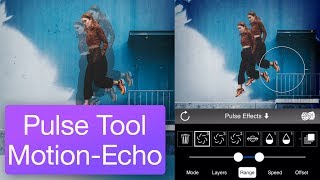
Pulse Tool Motion-Echo Tutorial
Nov 3, 2019
1 min read
This is a more advanced tutorial showing how Werble's pulse tool can be used to create more complex animated effects by combining multiple animations and effects together.
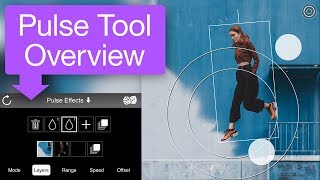
The pulse tool lets you add animating effects to your layers, whether those layers are still images or even animating overlays. If you're new to the tool, we recommend watching the Pulse Tool Overview Tutorial first.



The idea of layering animating overlays on top of still images with the pulse tool is interesting, but the tutorial jumps straight into advanced combinations without showing how the timing between multiple pulses is actually synchronized. Does each layer's pulse run on its own independent cycle, or is there a way to offset and align them so the echoes feel intentional rather than chaotic? That distinction seems crucial for anyone trying to build a coherent motion-echo effect.
More on this: https://collagemaker.org/
Nice article
😀